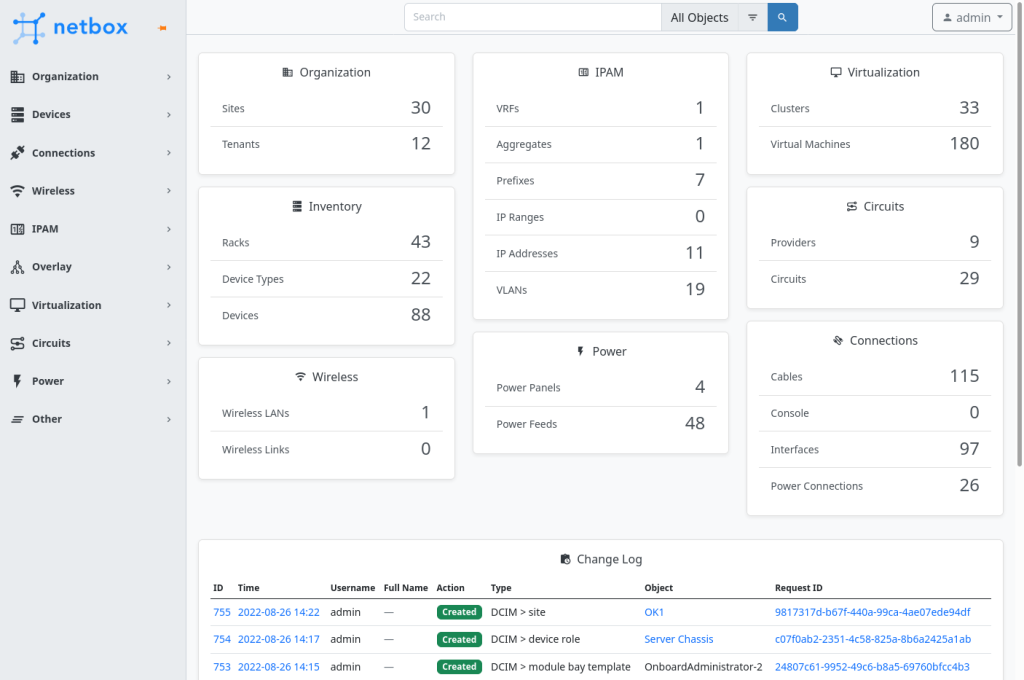
Netbox ist ein spannendes OpenSource Tool um seine gesamte IT-Landschaft zu dokumentieren. Im folgenden beschreibe ich die Installation von Netbox unter RockyLinux 8.x
Als erstes installieren wir den Postgresql. Da Netbox hier aber den Postgres 11 oder höher haben möchte, müssen wir an dieser Stelle einen kleinen Umweg machen.
sudo dnf install -y https://download.postgresql.org/pub/repos/yum/reporpms/EL-8-x86_64/pgdg-redhat-repo-latest.noarch.rpm
sudo dnf update -y
sudo dnf -qy module disable postgresql
sudo dnf install -y postgresql15-server
sudo /usr/pgsql-15/bin/postgresql-15-setup initdb
sudo systemctl enable postgresql-15
sudo systemctl start postgresql-15
systemctl status postgresql-15
/var/lib/pgsql/15/data/pg_hba.conf
#host    all             all             127.0.0.1/32            scram-sha-256
#host    all             all             ::1/128                 scram-sha-256
host    all             all             127.0.0.1/32            md5
host    all             all             ::1/128                 md5
Aktivierung und Neustart postgresql
sudo systemctl start postgresql-15
sudo systemctl enable postgresql-15
Datenbankerstellung
sudo -u postgres psql
CREATE DATABASE netbox;
CREATE USER netbox WITH PASSWORD 'netbox';
GRANT ALL PRIVILEGES ON DATABASE netbox TO netbox;
ALTER DATABASE netbox OWNER TO netbox;
Test DB-Anmeldung als netbox user
psql --username netbox --password --host localhost netbox

netbox=> \conninfo
You are connected to database "netbox" as user "netbox" on host "localhost" (address "::1") at port "5432".
netbox=>
Redis Installation
sudo yum install -y redis
sudo systemctl start redis
sudo systemctl enable redis
Test Redis
redis-cli ping

es sollte folgendes zurückkommen

PONG
Python3.8 Installation
dnf module -y install python38Installation zusätzlicher System Packages
sudo dnf install -y gcc libxml2-devel libxslt-devel libffi-devel libpq-devel openssl-devel redhat-rpm-configClone GIT Repository
sudo mkdir -p /opt/netbox/
cd /opt/netbox/
sudo dnf install -y git
sudo git clone -b master --depth 1 https://github.com/netbox-community/netbox.git .
Erstellung Netbox System User
sudo groupadd --system netbox
sudo adduser --system -g netbox netbox
sudo chown --recursive netbox /opt/netbox/netbox/media/
Konfiguration
cd /opt/netbox/netbox/netbox/
sudo cp configuration_example.py configuration.py
/opt/netbox/netbox/netbox/configuration.py
ALLOWED_HOSTS = ['netboxdemo.domain.de', '192.168.29.33']

DATABASE = {
    'NAME': 'netbox',         # Database name
    'USER': 'netbox',               # PostgreSQL username
    'PASSWORD': 'netbox',           # PostgreSQL password
    'HOST': 'localhost',      # Database server
    'PORT': '',               # Database port (leave blank for default)
    'CONN_MAX_AGE': 300,      # Max database connection age
}
Secret Key generieren und in der configuration.py eintragen
python3 ../generate_secret_key.py/opt/netbox/netbox/netbox/configuration.py
SECRET_KEY = 'yRy=J^qzpF@=!%&*&rn)KFq#O5^XbV4on_L*p2OHhWxF3YoqwK'Upgrade Script starten
sudo PYTHON=/usr/bin/python3.8 /opt/netbox/upgrade.sh
cp /opt/netbox/contrib/netbox-rq.service /etc/systemd/system/
cp /opt/netbox/contrib/netbox.service /etc/systemd/system/
sudo systemctl daemon-reload
sudo systemctl enable netbox netbox-rq
sudo systemctl start netbox netbox-rq
Super-User erstellen
source /opt/netbox/venv/bin/activate
cd /opt/netbox/netbox
python3 manage.py createsuperuser
Symlink für Aufräumscript erstellen
sudo ln -s /opt/netbox/contrib/netbox-housekeeping.sh /etc/cron.daily/netbox-housekeepingTest
python3 manage.py runserver 0.0.0.0:8000 --insecure

Performing system checks...

System check identified no issues (0 silenced).
March 31, 2023 - 10:47:43
Django version 4.1.7, using settings 'netbox.settings'
Starting development server at http://0.0.0.0:8000/
Quit the server with CONTROL-C.
Gunicorn
sudo cp /opt/netbox/contrib/gunicorn.py /opt/netbox/gunicorn.pyWebserver konfigurieren
sudo dnf install httpd mod_ssl openssh
sudo systemctl enable httpd
sudo openssl req -x509 -nodes -days 365 -newkey rsa:2048 -keyout /etc/pki/tls/netbox.key -out /etc/pki/tls/netbox.crt
sudo cp /opt/netbox/contrib/apache.conf /etc/httpd/conf.d/netbox.conf
/etc/httpd/conf.d/netbox.conf
    SSLCertificateFile /etc/pki/tls/netbox.crt
    SSLCertificateKeyFile /etc/pki/tls/netbox.key